01
I track my plan
I want to know what to study today
See your daily plan, check off what you finish, and keep moving without losing your progress.
 Rehberlix
A LITTLE MORE ROOM IN YOUR DAY
Your lessons, goals and the people you support. Together in one place, with a clear next step.
iOS Android WebPick up wherever you are
YOUR DAY, YOUR WAY
Focus on what you want to do. Rehberlix adapts to the role you choose.
I track my plan
See your daily plan, check off what you finish, and keep moving without losing your progress.
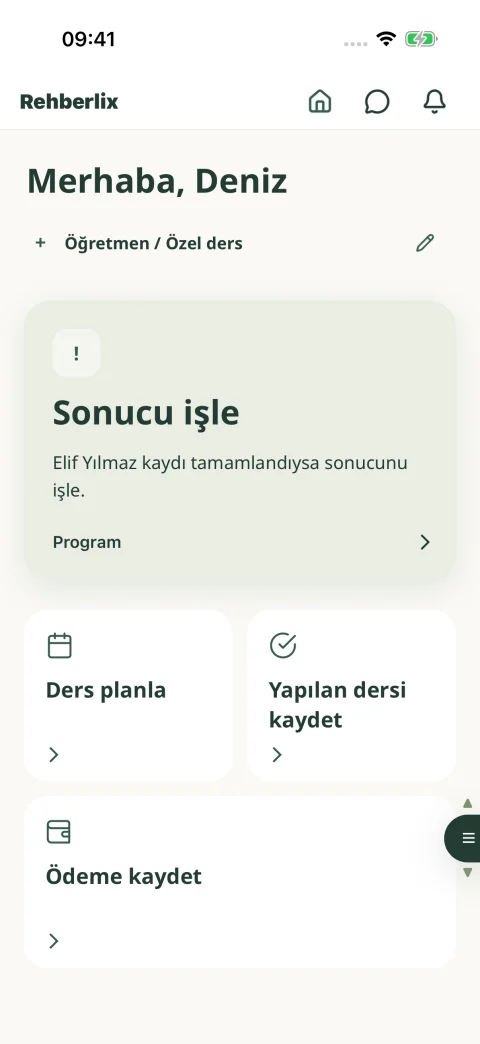
I teach private lessons
Plan lessons, record what happened, and return to learner history and payments whenever you need to.
I track my clients
Keep appointments, session notes, next steps, and payments organized in one place.
I follow my child
See the plan, completed work, and shared updates without searching through long lists.
 LESS CLUTTER, A CLEARER DAY
EVERY DETAIL IN ITS PLACE
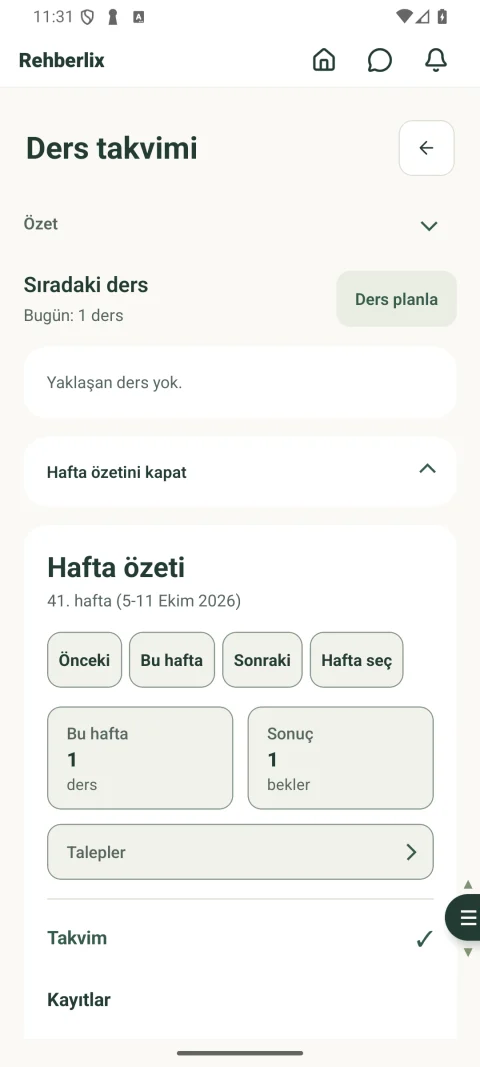
See upcoming lessons in your calendar. Record completed lessons and payments. Return to a learner’s or client’s history whenever you need it.
Practical product guide
Choose your role and what you want to do. See the steps together in one place.
30short flows
Set up your account, choose your purpose, and make the app fit your routine.
Get your account ready through a few clear steps.
Your home screen shows only the work that matches your role and purpose.
With you everywhere
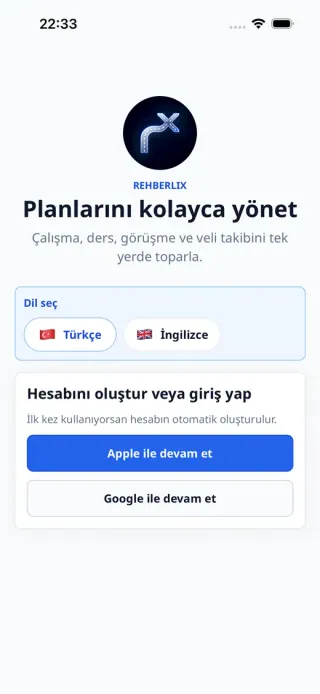
Your plans and records are ready wherever you need them.
MAKE ROOM FOR YOUR ROUTINE
Start with an account. Build your routine one step at a time.
Get started